One dashboard. Every branch, isolated and in sync.
Running two or more locations changes what you actually need from billing software — isolation between branches, and consolidation for you, without one location's numbers ever bleeding into another's.
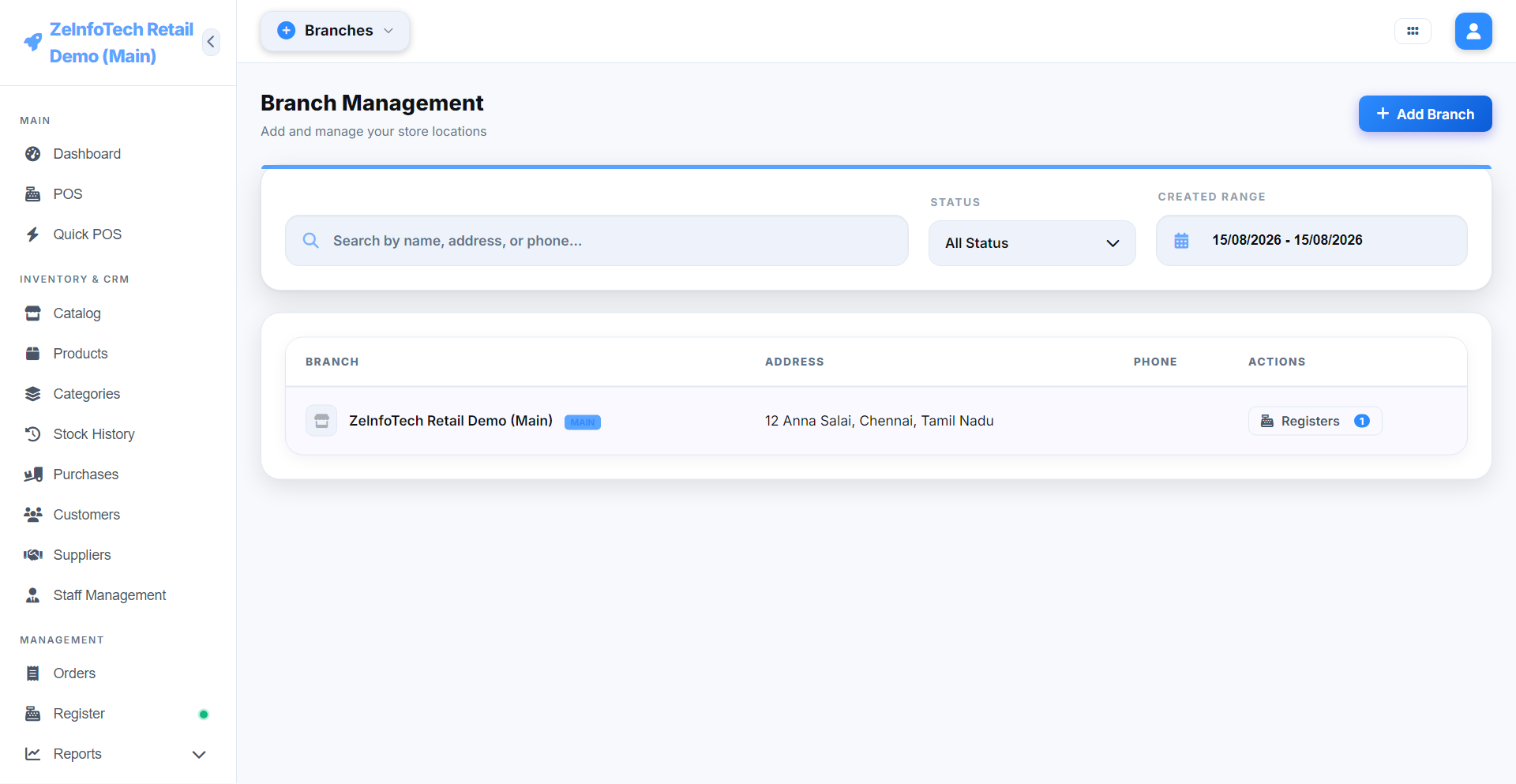
Each branch runs completely isolated
Every branch has its own inventory, its own registers, and its own staff logins. A sale or stock change at one location never bleeds into another's numbers — stock counts, cash drawers, and daily totals all stay cleanly separated, exactly as they would if each branch ran on its own separate system.
One consolidated view for the owner
While branches stay isolated day-to-day, the owner gets a single dashboard rolling every branch up together — total sales, stock value, and staff activity across the whole business at a glance. Any report can also be filtered down to just one branch when you need to look closer.
Multiple counters, one branch
Within a single branch, multiple registers can run at once — each with its own opening cash, shift, and running total — so a busy location isn't bottlenecked through a single counter.
Up to 5 branches
Included on the standard lifetime license.
Isolated staff logins
Each branch has its own staff and permissions.
Multiple registers per branch
Up to 3 checkout counters running independently.
Stock transfer
Move inventory between branches with a full audit trail.
Branch-level reports
Filter any report to one branch, or see it all rolled up.
Central sync when online
Branches quietly sync to a central hub whenever they have internet.
Running more than one location?
Talk to us about how multi-branch setup works for your specific stores.