Every action at the counter, accountable to a real person.
Staff logins, not a shared password. Role-based permissions, not blanket access. A record of who did what, not a guess.
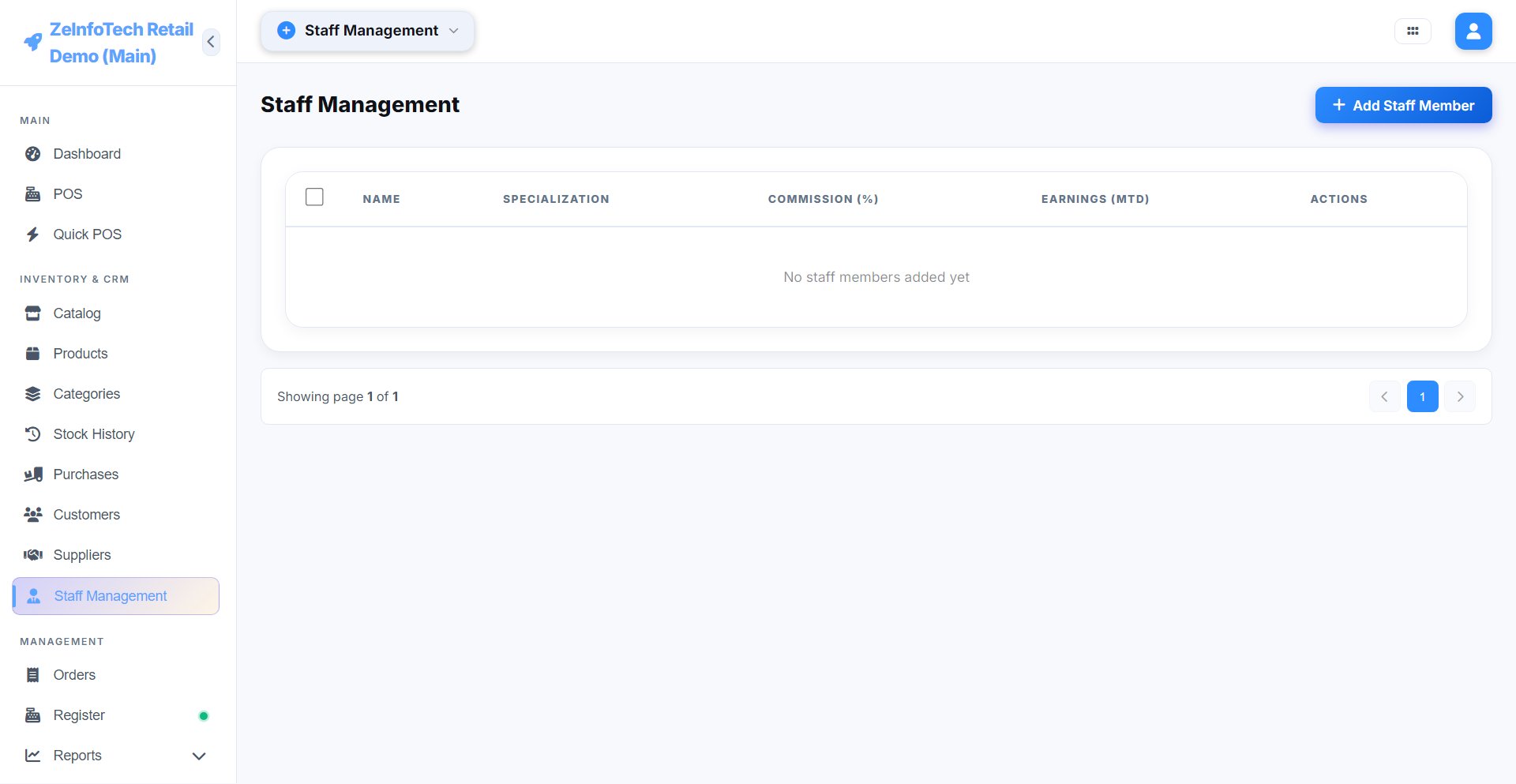
Role-based access, not one shared login
Each staff member gets their own login with a role that determines exactly what they can see and do — a cashier isn't looking at your reports, and a manager can be scoped to just their own branch. Up to 5 staff logins are included on the standard license, each with a fast PIN-based login for busy counters.
Attendance, tracked automatically
Staff clock in and out through the app itself, building an attendance record without a separate system to maintain — useful for payroll, and for knowing who was actually on shift when a sale happened.
A login activity log that answers "who did that?"
Every login, every significant action, is logged against the staff member who did it. When a refund looks off or a price override needs explaining, the answer is a lookup, not a guess.
Role-Based Access Control
Scope exactly what each role can see and do.
Up to 5 staff logins
Included on the standard lifetime license.
Attendance tracking
Clock in/out built into the app itself.
Login activity log
Every login and key action, attributed to a person.
PIN-based quick login
Fast switching between staff at a busy counter.
Per-branch permissions
Scope a role to one branch, or across all of them.
See roles and permissions in action
The live demo includes a Super Admin login so you can explore staff and role management directly.